 Keet Support
Minimize Self View 🔲
During a one-to-one video call, tap or click your own video preview to minimize it and keep the focus on the other person, then tap it again to restore it.
Can I minimize my own video preview during a call?
In a direct (one-to-one) video call, your own camera preview appears alongside the other person's video:
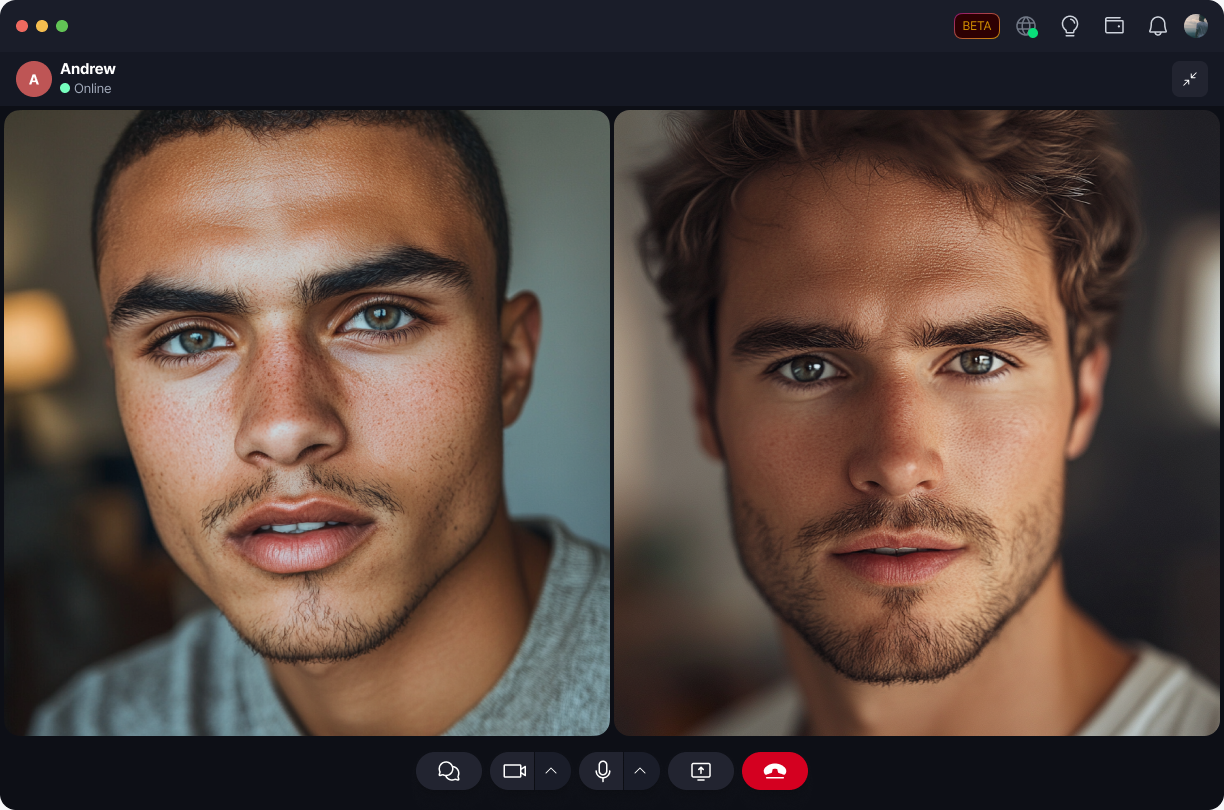
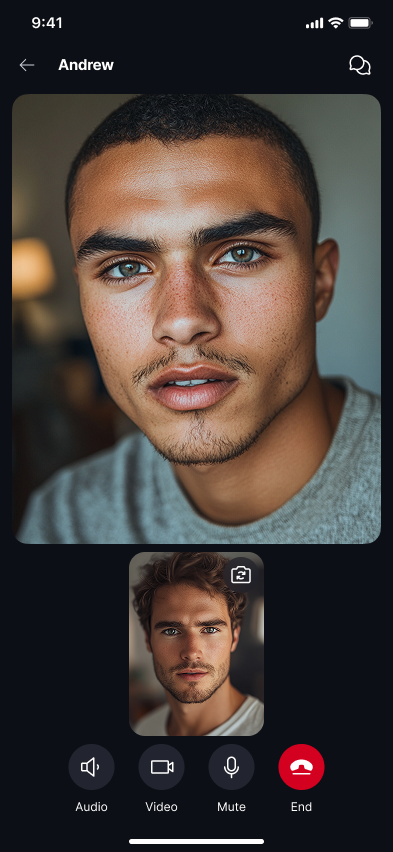
Select your own video tile to minimize it, and select it again to restore it to its normal size. On Mobile, you can also drag it to reposition it on screen. The other person's view of you is unaffected either way - minimizing your self view only changes your own local layout.
🔲 Your self view can only be minimized while your camera is on - it isn't available while your camera is off or while the call is still dialing/ringing.